Book Entry
Book List
Customer Entry
Customer List
Customer Payments
Home Screen
Distributor Entry
Distributor List
Distributor Payments
Excel Import
Login Screen
Printer Configuration
Purchase Details
Purchase Entry
Purchase History
Purchase Return Details
Purchase Return Entry
Purchase Return History
Reports
Sale Details
POS (Sales Entry)
Sales History
Sales Return Details
Sales Return Entry
Sales Returns
Scanner
Settings Screen

Screen: Distributor Payments

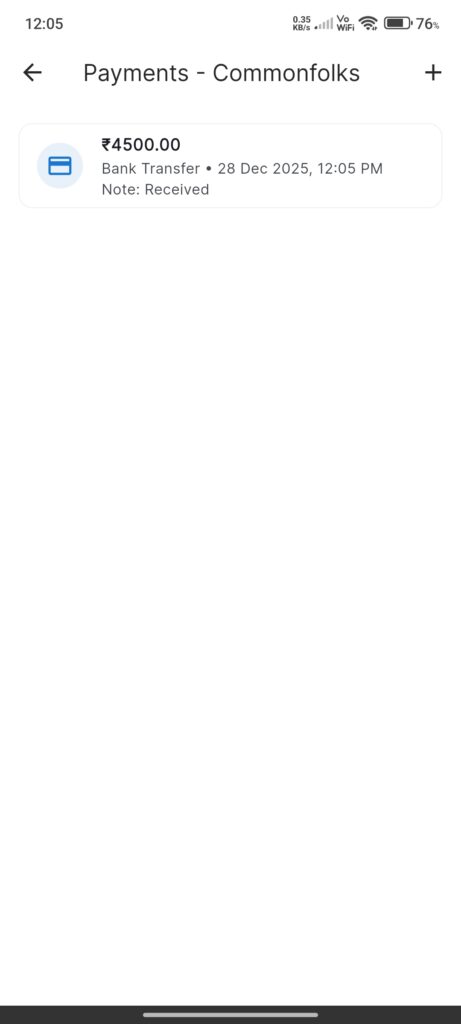
Section 1: Payment History

Screen: `DistributorPaymentHistoryScreen`

Purpose: View log of payments made to the distributor.

  • List: Cards with Amount, Date, Mode, Notes.

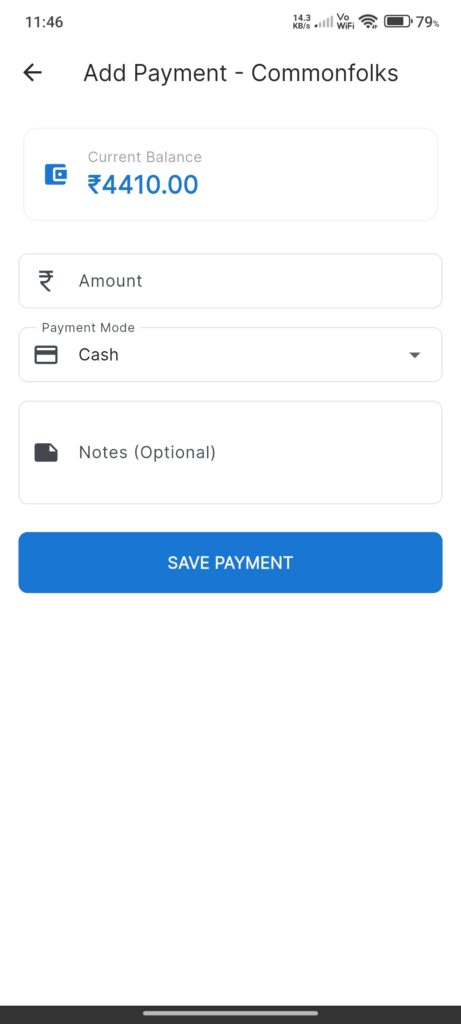
Section 2: Add Payment

Screen: `AddDistributorPaymentScreen`

Purpose: Record a payment made to reduce debt.

Widgets:

  • Current Balance: Display of outstanding debt.
  • Amount: Payment value.
  • Mode: Method of payment.
  • Notes: Optional text.

Interactions

  • Save: Updates distributor balance and records transaction.
Screenshots

Book Entry
Book List
Customer Entry
Customer List
Customer Payments
Home Screen
Distributor Entry
Distributor List
Distributor Payments
Excel Import
Login Screen
Printer Configuration
Purchase Details
Purchase Entry
Purchase History
Purchase Return Details
Purchase Return Entry
Purchase Return History
Reports
Sale Details
POS (Sales Entry)
Sales History
Sales Return Details
Sales Return Entry
Sales Returns
Scanner
Settings Screen